Information, Library, and Research Sciences (ILRS)
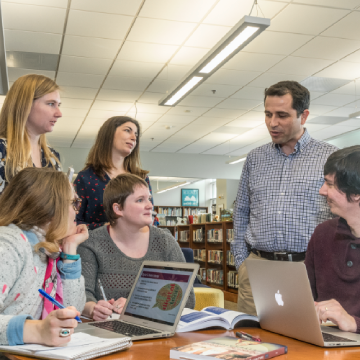
From the undergraduate to the master’s level, the programs in the Department of Information, Library, and Research Sciences (ILRS) stand among the very best in the nation. The successes of our students and the passion with which they speak about their experience is a testament to the quality and impact of our programs.
value driven
We are committed to the power of Information, Diversity, Engagement, Access, and Libraries – creating a space for all to explore, connect, and engage with key library and information issues and leadership. Our accessible and knowledgeable faculty are available to advise you through each step of the educational process.
OAERS
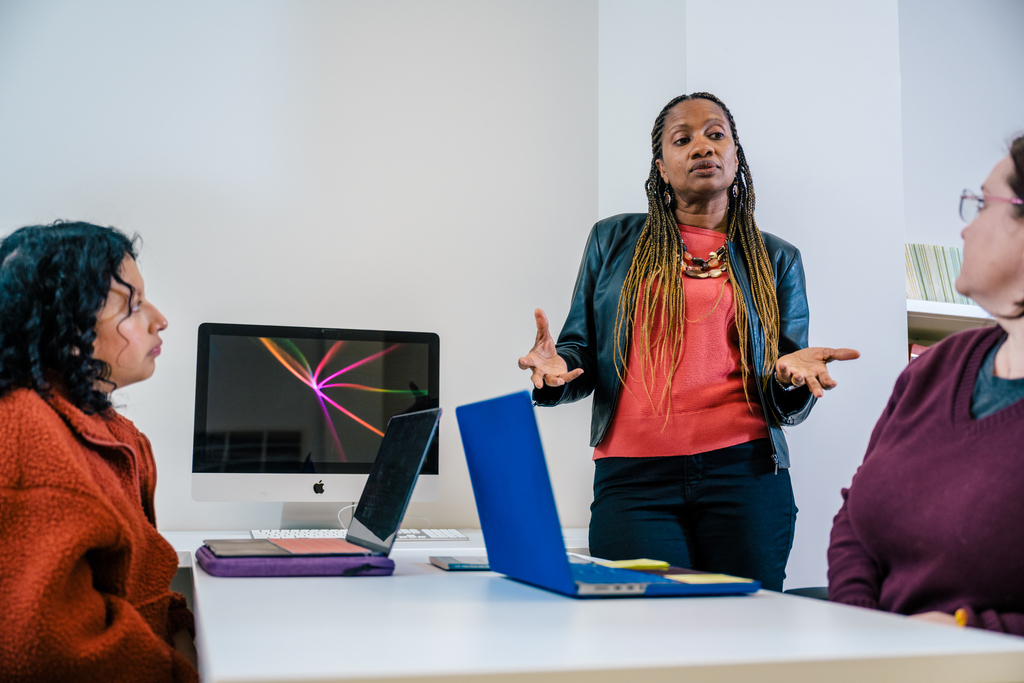
Through the Office of Assessment, Evaluation, and Research Services (OAERS), we offer valuable research and evaluation support while also supporting a comprehensive internship matching program for our graduate students seeking practical experience in assessment, program evaluation, or research methodology.
Committed to the Success of our Students
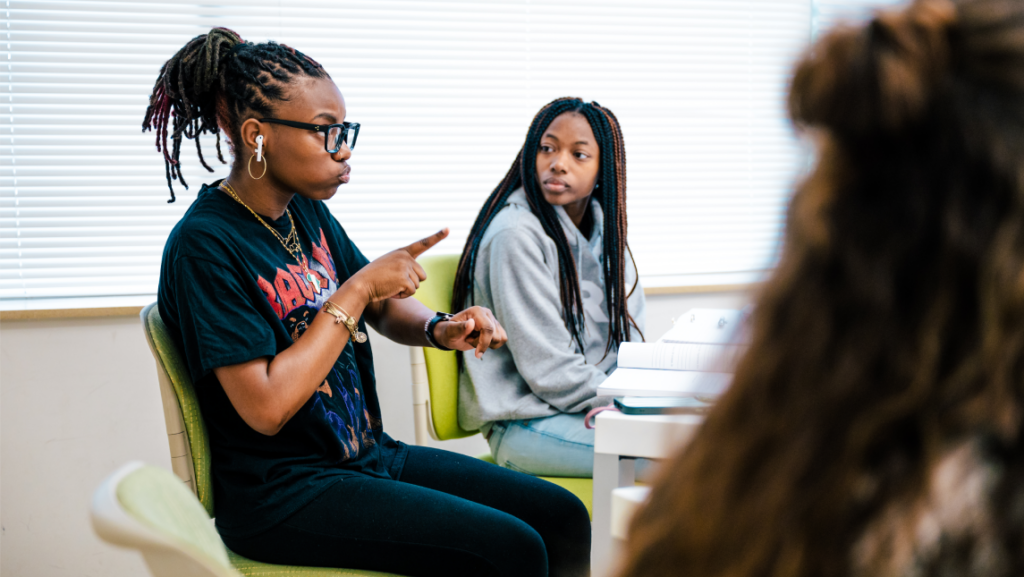
Fulfilling a desire from our undergraduate students for further tools to help them be successful, the Academic Support Hub provides additional supports for School of Education students by offering tutoring services in a variety of areas. Students can obtain extra assistance in ASL, Math 112, CSC 120, and in preparing for Praxis exams.
DEPARTMENT NEWS

UNCG Alumna Emerges as a Library Leader
Dawn Shirk ’23, a library media specialist with Guilford Count…
Learn More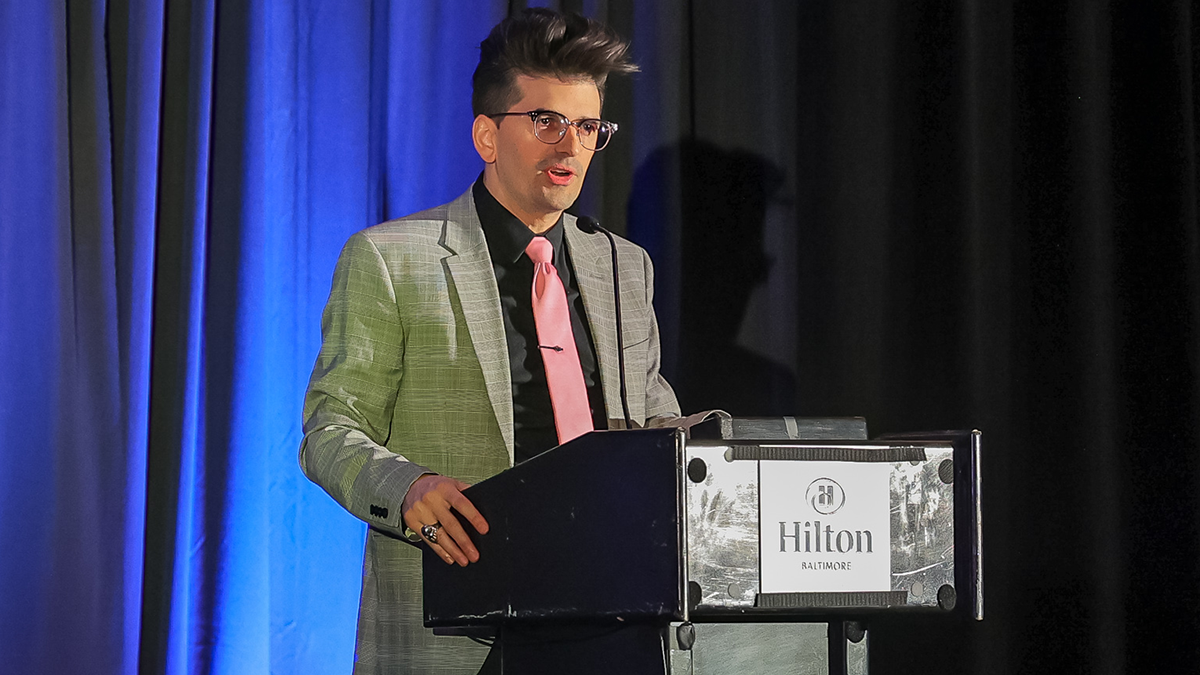
Graña one of ten recipients of I Love My Librarian Award
Out of nearly 1,400 nominees, Gabriel Graña, a 2015 graduate o…
Learn More
Online MLIS Program Rated Among Nation’s Top 10
The online Master’s of Library and Information Science program…
Learn More